Transform your markdown files into beautifully formatted documents with live preview, syntax highlighting, diagrams, math equations, multi-language support, and powerful navigation features.
Free Forever • Privacy First • Offline Support
Watch our complete guide to get started with MarkView in just 4 minutes
Powerful features for developers, writers, and researchers
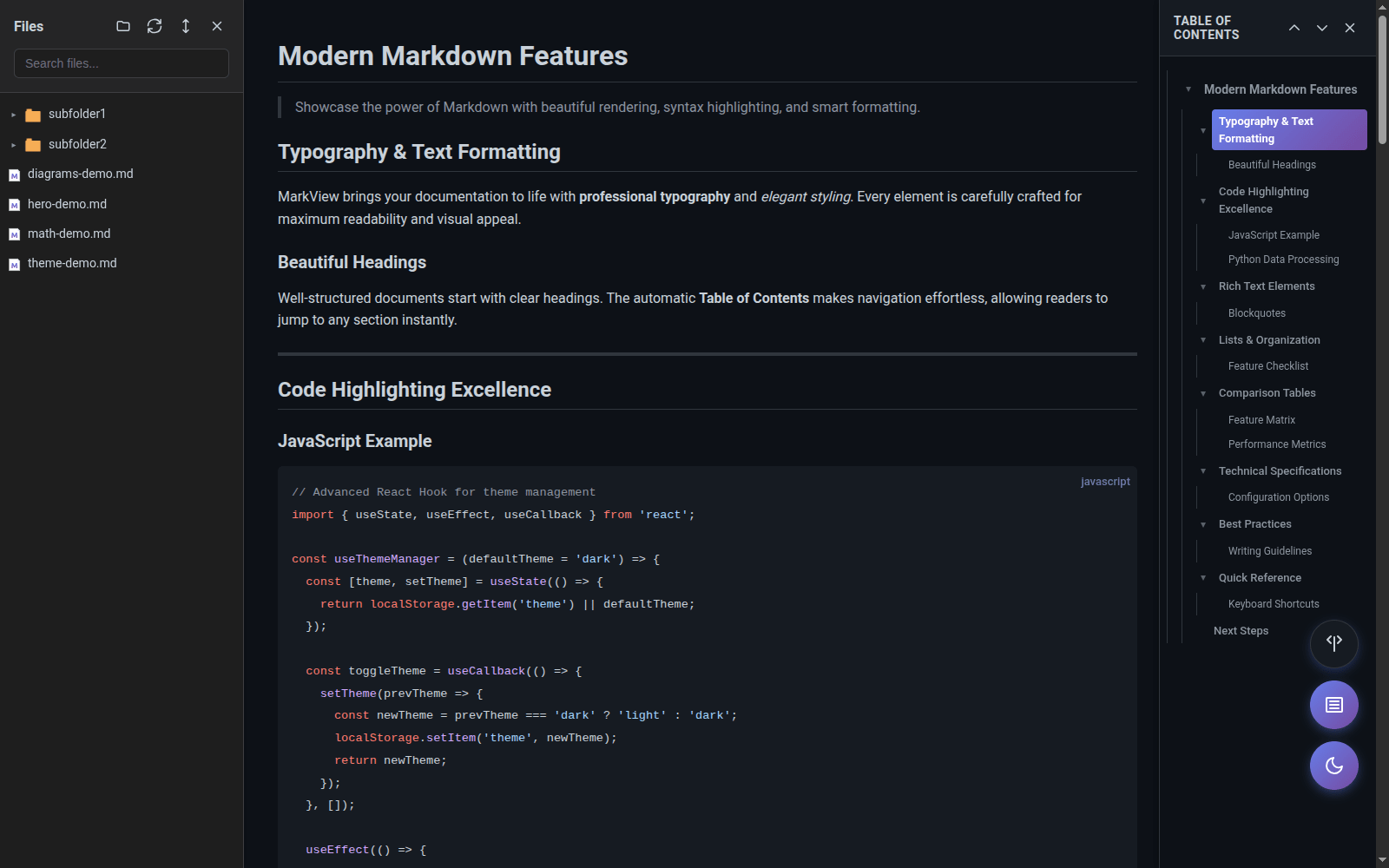
180+ programming languages with beautiful GitHub-inspired color themes
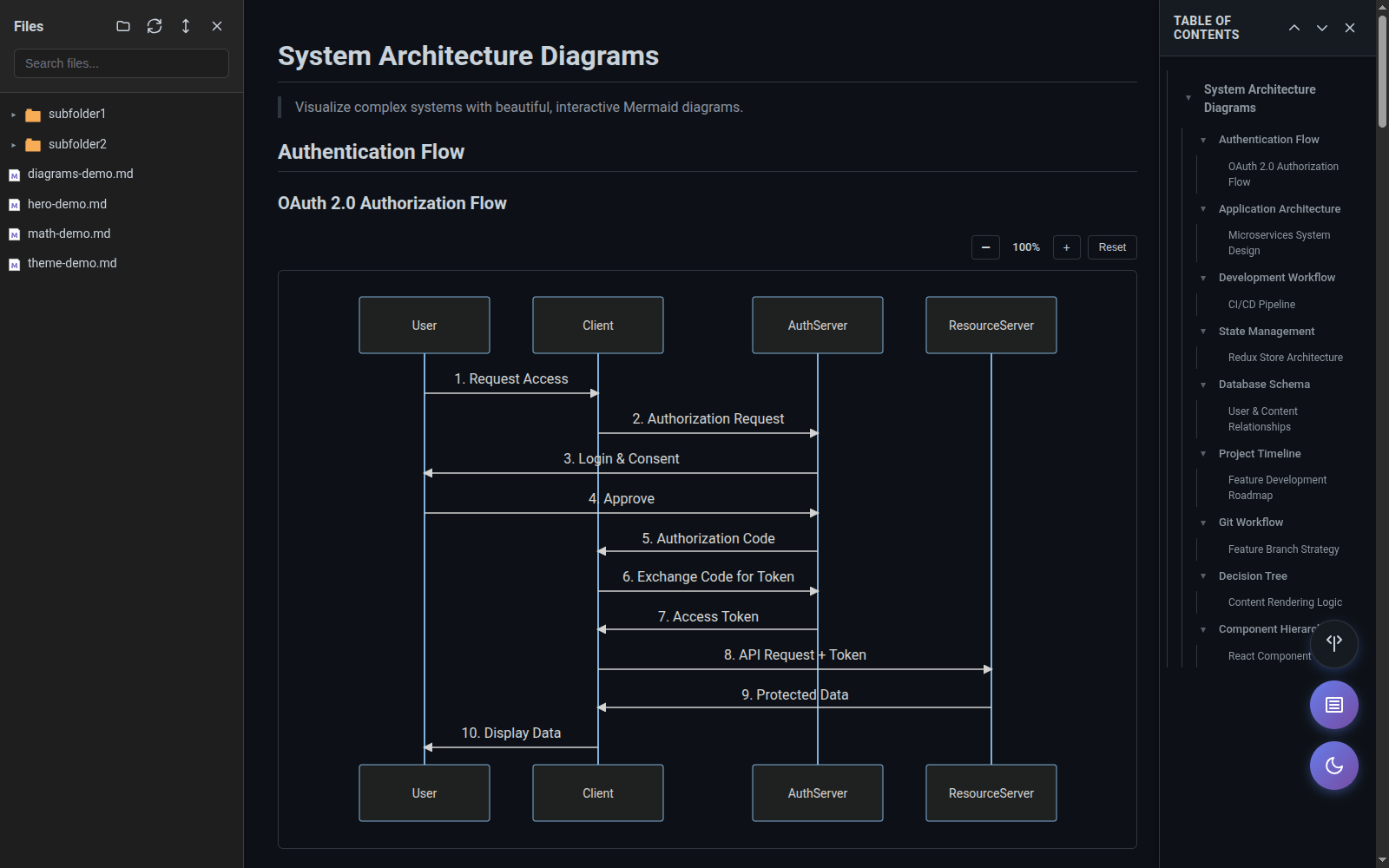
Flowcharts, sequence diagrams, and Gantt charts rendered beautifully
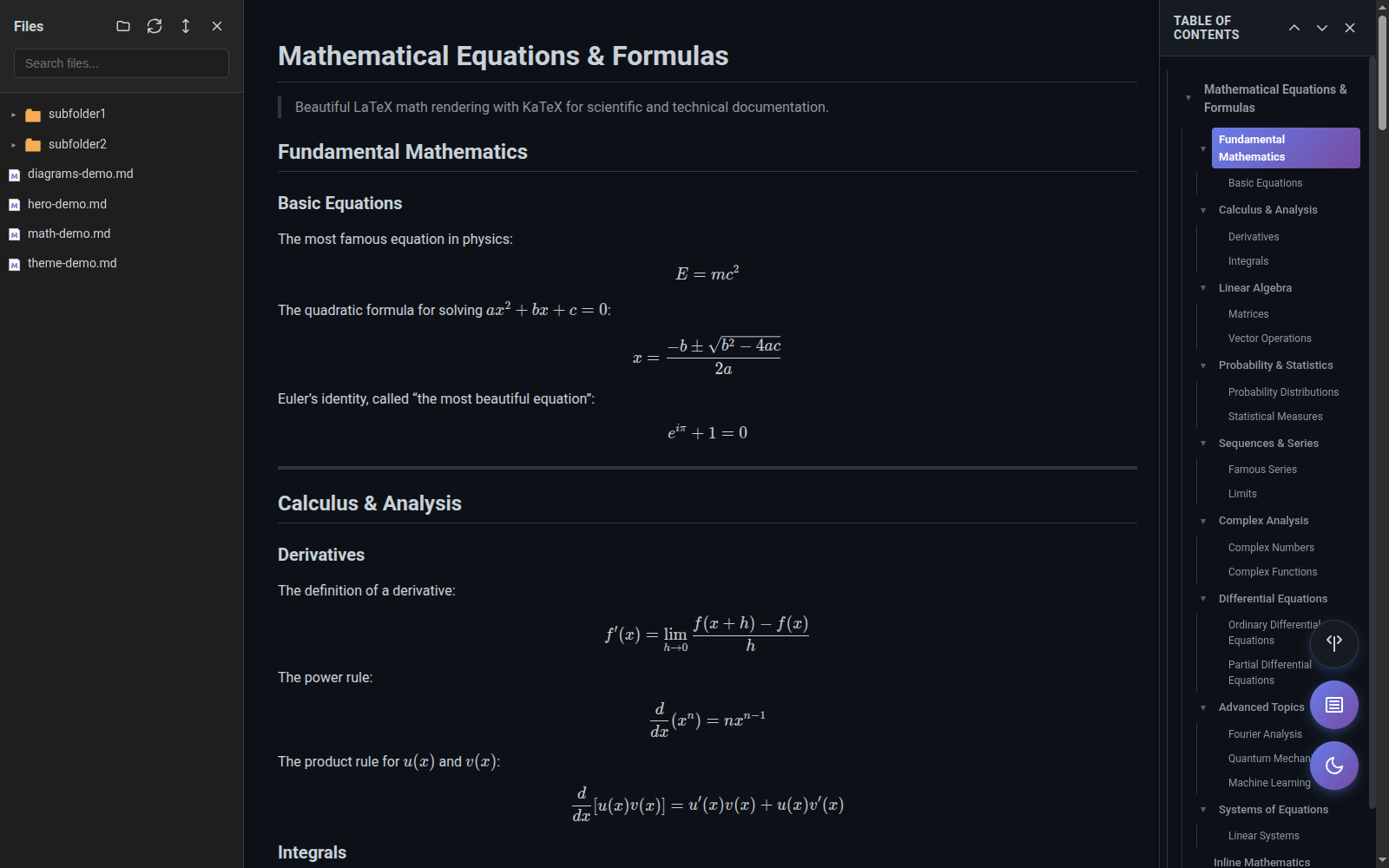
LaTeX math rendering with KaTeX for perfect formulas and equations
Auto-generated navigation with scroll spy and smooth scrolling
Navigate local markdown files with search and filter capabilities
Full-screen lightbox with gallery navigation and lazy loading
Live preview that updates automatically as you edit your files
12 languages supported with auto-detection or manual selection
Dark mode, 9 fonts, adjustable sizes, line heights, and layout preferences
Beautiful rendering for all your markdown content
Eye-friendly dark mode with GitHub Dark color scheme
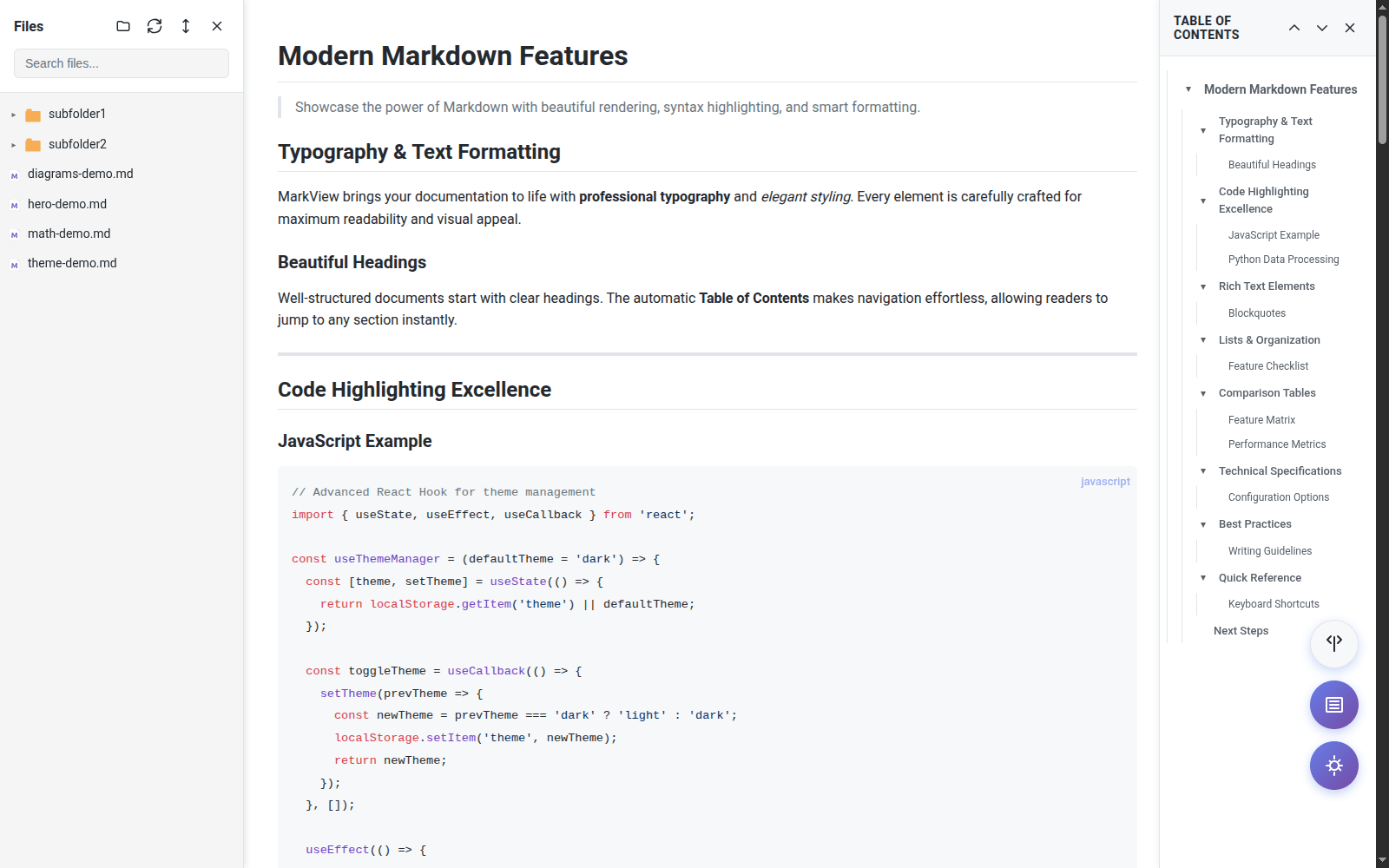
Clean light theme with high contrast for daylight reading
Professional flowcharts and diagrams from simple text
Beautiful LaTeX math equations with KaTeX rendering
Grant permission for local markdown files (optional)
chrome://extensions → Details → Allow access to file URLs
Open any .md file and enjoy beautiful formatting
Join developers, writers, and researchers using MarkView
Install MarkView for FreeFree forever • No account required • Privacy-focused